
Filter results
You can narrow down the results using the filters
Audience
Topics
Our work
Diseases
11921 results
-
Home-level care minutes performance in residential aged care
This provides information on care minutes performance for residential care homes by financial years. From 1 April 2026, quarterly performance will be used to calculate the care minutes supplement for non-specialised metropolitan homes. -

List of declared hospitals
The Minister for Health and Ageing must declare a facility to be a hospital under section 121–5(6) of the Private Health Insurance Act 2007. View the current list of declared hospitals. -

Aged Care Act 2024 – Wait Times Reports
This collection contains Aged Care Act 2024 – Wait Times Reports for Residential care and Support at Home. -
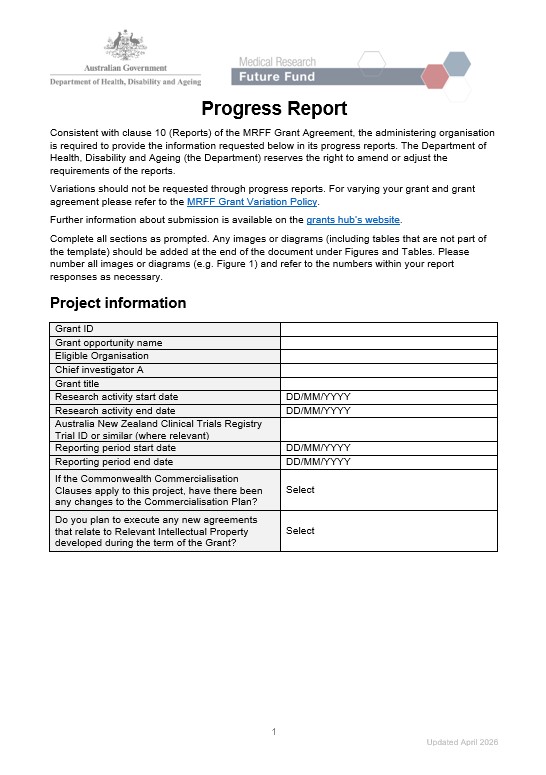
Medical Research Future Fund progress report template – National Health and Medical Research Council-administered grants
The template for reporting on the progress of Medical Research Future Fund (MRFF) grants administered by the National Health and Medical Research Council (NHMRC). -
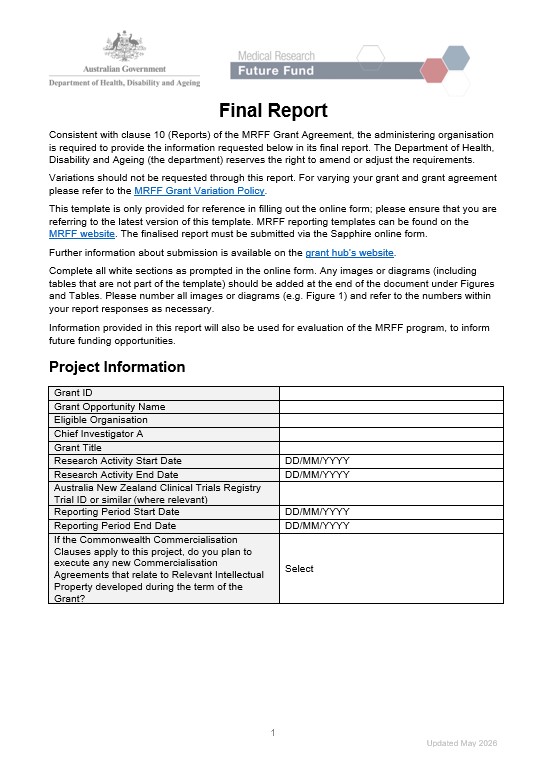
Medical Research Future Fund final report template – National Health and Medical Research Council-administered grants
The template for reporting on the outcomes of Medical Research Future Fund (MRFF) grants administered by the National Health and Medical Research Council (NHMRC). -

Aged Care Act 2024 Wait Times Report – Residential care and Support at Home Second report Quarter 4
This report presents median and average measures of the time elapsed between application through My Aged Care to commencement of aged care services for the 1 April to 30 June 2026 (Quarter 4 of 2025-26) reporting period. -
 12:29
12:29Consultation on NDIS Supports Rules – Auslan
An Auslan translation of the Consultation on NDIS Supports Rules (2025) - summary report, which provides a summary of feedback received during consultation. -

Consultation on NDIS Supports Rules (2025)
The Consultation on NDIS Supports Rules (2025) provides an overview of feedback received during consultation. The reports presents the information from the survey and submissions -

Consultation on NDIS Supports Rules 2025
We developed two reports from a consultation about NDIS Supports Lists to share the feedback we received from the community. -

Table of new framework planning rules
Provides a description of the 8 new framework planning NDIS rules, the category of each rule and when consultation will occur. -

Influenza (flu) immunisation data – 1 March to 2 August 2026
Weekly report of year to date immunisation figures broken down by age groups and immunising provider types. Compares vaccination rates with the previous 3 years. -

Primary Mental Health Care Guidance – Mental Health Multidisciplinary Services for people with complex mental health needs in primary care settings
This document provides guidance to Primary Health Networks (PHNs) on multidisciplinary mental health services for people with complex mental health needs. -

Medicare GP Non-Referred Attendances patient bulk billing ranges – Primary Health Networks (2009-10 to 2025-26)
This document contains annual statistics about the GP Non-Referred Attendances patient bulk billing ranges by Primary Health Networks, from 2009–10 to 2025-26. -

Medicare quarterly statistics – Socio-Economic Indexes for Areas (SEIFA) Summary (June quarter 2025-26)
This document contains GP Non-Referred Attendance statistics by the SEIFA Index for Relative Disadvantage, from September quarter 2021-22 quarter to June quarter 2025-26. -

Medicare annual statistics – Modified Monash Model locations (2009-10 to 2025-26)
This document contains annual statistics about the use of Medicare by Modified Monash Model locations, from 2009–10 to 2025-26. -

Medicare quarterly statistics – Primary Care Service Type Summary (June quarter 2025-26)
This document contains statistics about the use of Medicare for Primary Care Service Types, from September quarter 2009-10 to June quarter 2025-26. -

Medicare annual statistics – State and territory (2009-10 to 2025-26)
This document contains annual statistics about the use of Medicare by state and territory from 2009–10 to 2025-26. -

Medicare quarterly statistics – Statistical Area (SA3) Summary (June quarter 2025-26)
This document contains GP Non-Referred Attendance statistics by SA3, from September quarter 2021-22 to June quarter 2025-26. -

Medicare annual statistics – Rolling 12 months (July 2009 to June 2026)
This document contains 12-month rolling statistics about the use of Medicare, from July 2009 to June 2026. -

National Bowel Cancer Screening Program – Result letter: Positive
This letter is sent to people who have done the test to tell them their result was positive – and what they need to do next. A positive result does not always mean you have bowel cancer. -

National Bowel Cancer Screening Program – Result letter: Negative
This letter is sent to people who have done the test to tell them their result was negative. This means no blood was found in your samples. -

National Bowel Cancer Screening Program – Result letter: Inconclusive
This letter is sent to people if we have not been able to get a result from their samples. It explains why, and that we will send them another kit to complete. -

Medicare Statistics – Year-to-date Dashboards
These infographics shows statistics about Medicare use, including the number of fully paid and bulk-billed services used, the amount of benefits paid and the types of health services people used per quarter. Includes bulk billing by Primary Health Network. -

Medicare quarterly statistics – Modified Monash Model locations (June quarter 2025-26)
This document contains statistics about the use of Medicare for Modified Monash Model locations, from September quarter 2009–10 to June quarter 2025-26. -

Medicare statistics – year-to-date dashboard (July to June 2025-26)
This infographic shows statistics about Medicare use, including the number of fully paid and bulk-billed services used, the amount of benefits paid and the types of health services people used from July to June 2025-26. Includes bulk billing by Primary Health Network and bulk billing by concession.